v3.6.4
Website
Adds a context menu for torrents. Allows you to right-click (or hold on mobile) a torrent to bring up additional options, as well as the standard options for the torrent.
The standard options are the same as simply clicking on the torrent normally.
The new options are under the "More Tools" section. Simply hover over this button to show the new options.
There are 4 new options (2 for cached downloads).
Copy ID. This simply copies the ID of the torrent for use elsewhere. Maybe for sharing with support, or using with the API for one-off requests. This is available for cached downloads as well.
Copy hash. Very similar to copying the ID, and used for likely the same things. This is available for cached downloads as well.
Copy magnet. Simply copies the magnet link for the torrent. Allows you to get the magnet even for torrents created using torrent files. Sends a network request to get the information from the API so it may not be copied instantly. This is not compatible with cached torrents and are not shown.
Export .torrent. Downloads the torrent file for the torrent. Allows you to get the torrent file even for torrents created using magnet links. Sends a network request to get the information from the API so it may not be copied instantly. This is not compatible with cached torrents and are not shown.
Adds a new option for downloading. Instead of downloading using zips, you can now download links separately but in batches.
To use, click on the clipboard, next to the folder icon. These icons are located at the very top of folders. (If you don't know what button does what, simply hovering over it will give you some info).
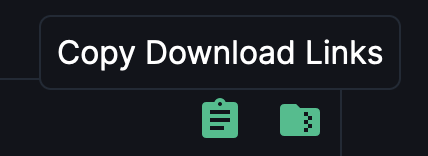
It will begin to load while it retrieves the links for you. Depending on how many files are inside the folder, it could take awhile. Once it is complete it will open up the popup that shows you all of the files that were inside the folder you selected as well as some options.
Click the check boxes to choose which files are selected or not.
You can click on the names of the files to instantly start downloading that file, or copy the link.
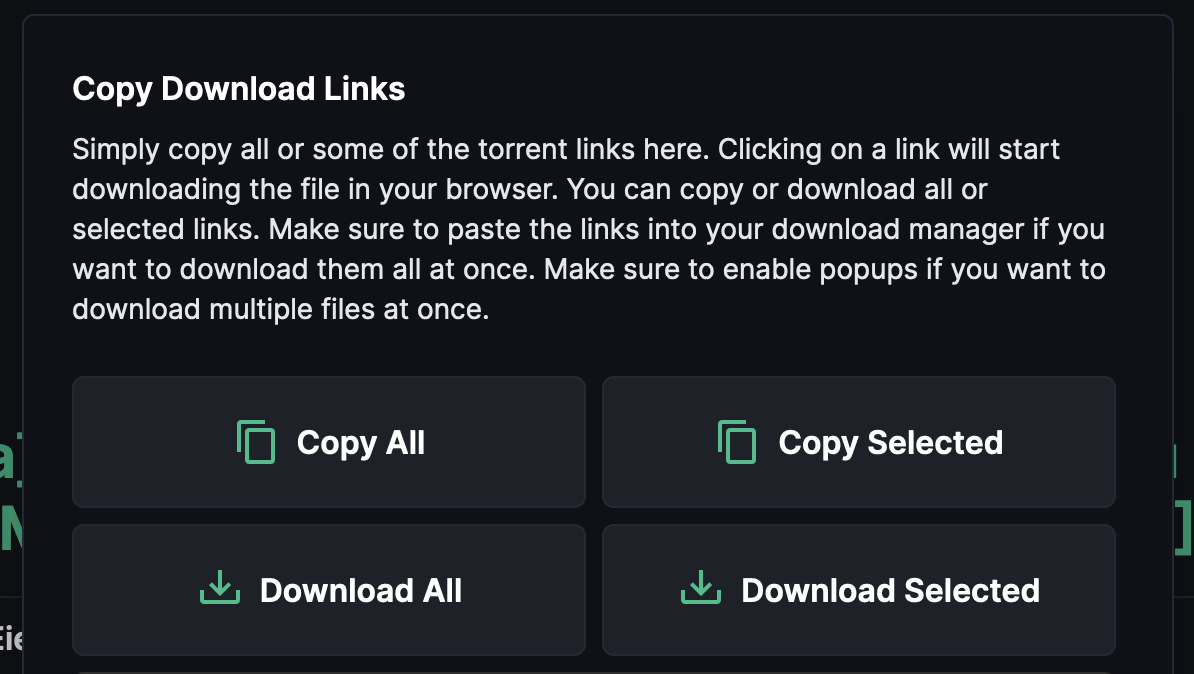
These options do the following:
Copy All, copies all the download links regardless of what are selected.
Copy Selected, only copies the links that are selected.
Download All, downloads all the links regardless of what are selected. (Make sure to have popups enabled or else only one link will open).
Download Selected, downloads only the links that are selected. (Make sure to have popups enabled or else only one link will open).
API
Adds new endpoint for exporting torrent magnets and torrent files. This is useful for users who want to share a torrent, or simply want to keep the torrent file. /exportdata. API DOCS.
This is not supported for cached torrents. You will simply get an error.